Keep useful developer knowledge somewhere you can actually find it again.
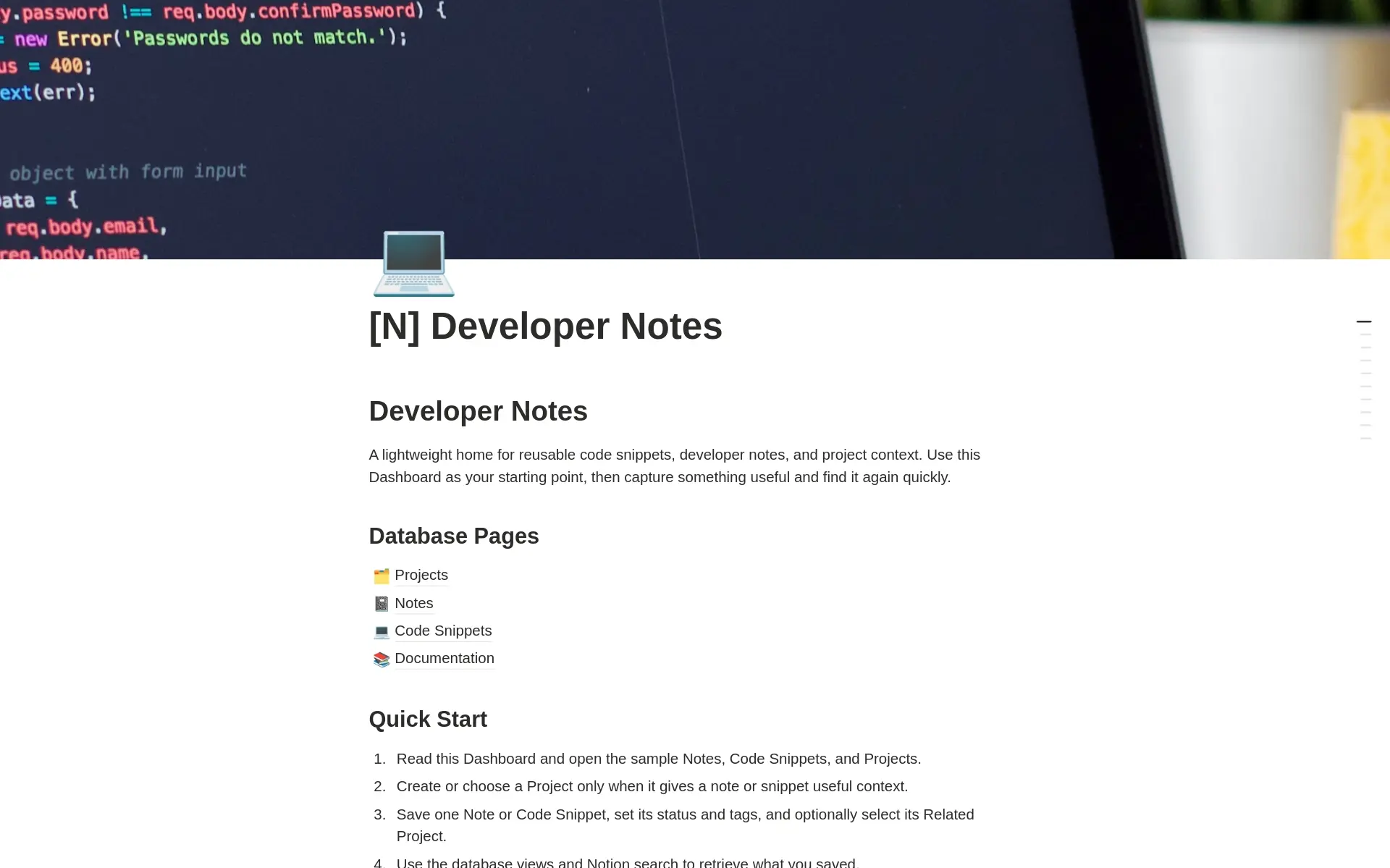
Developer Notes is a free, lightweight Notion workspace for saving reusable code snippets, technical notes, bug fixes, setup guides, architecture decisions, and project context.
It focuses on the essentials: three connected databases, useful views, sample records, and no complicated setup.
What's included
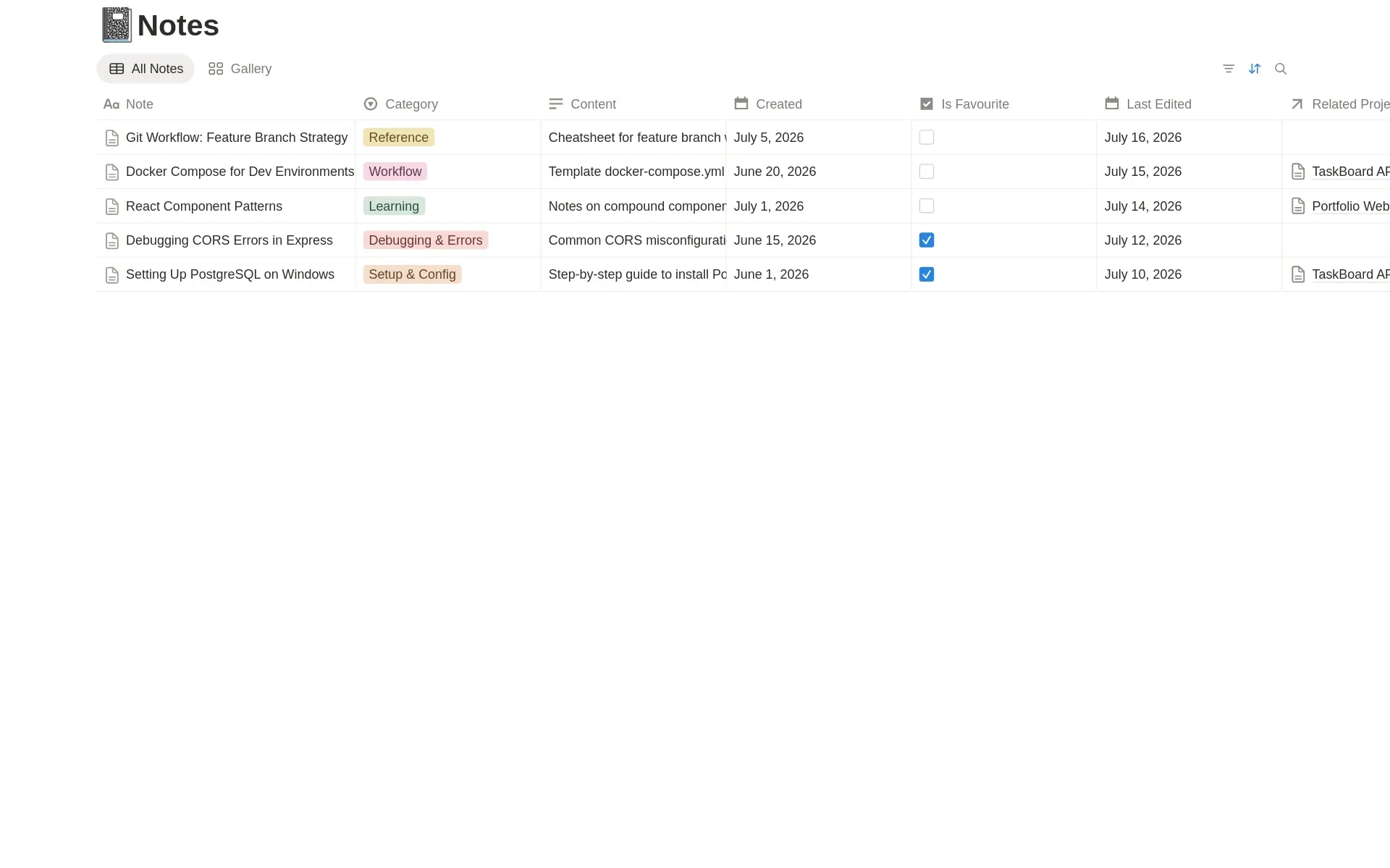
- Notes — Save setup guides, bug fixes, architecture decisions, deployment checklists, learning notes, and technical references.
- Code Snippets — Store reusable code with language, framework or tool, status, tags, favourites, and usage context.
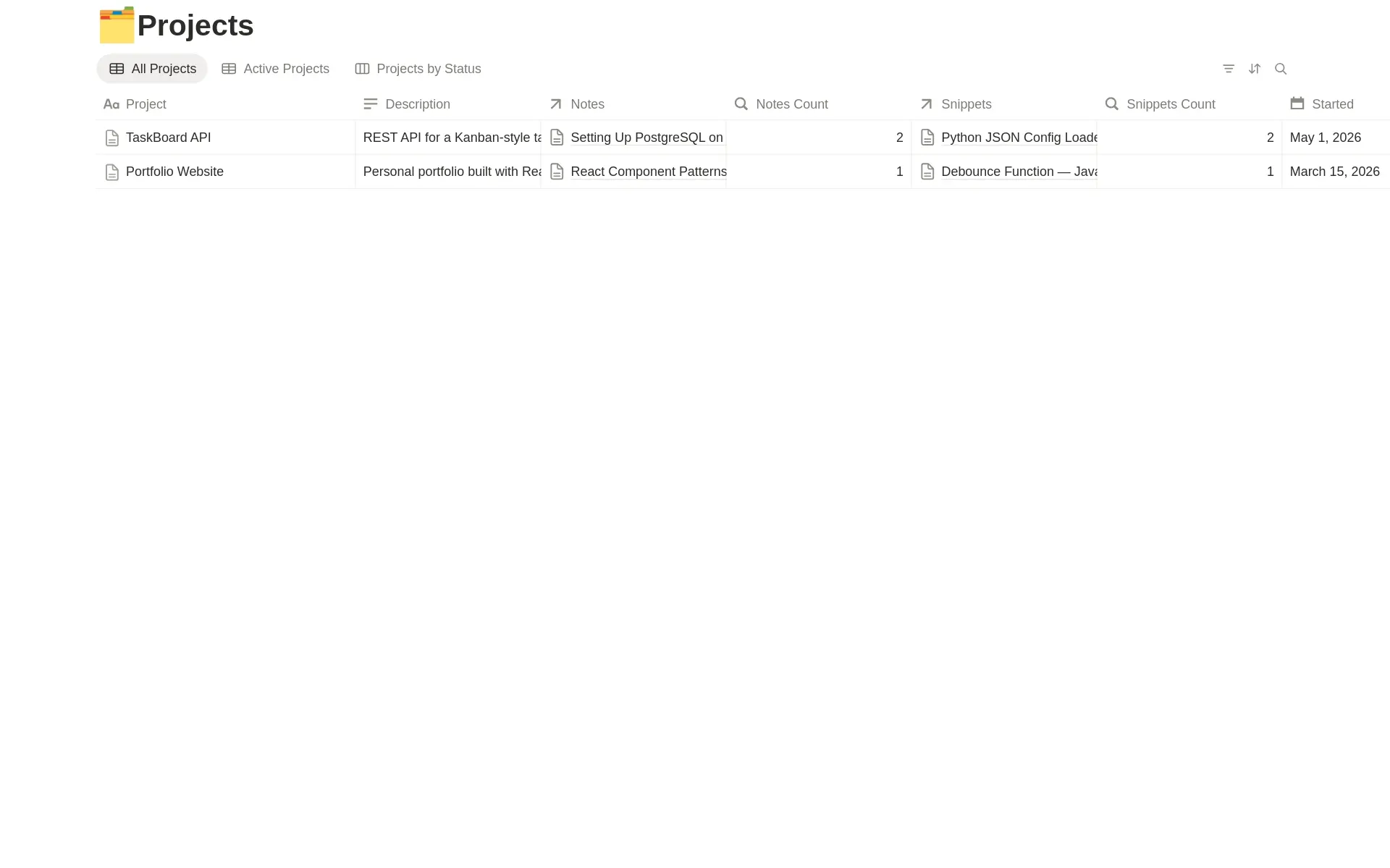
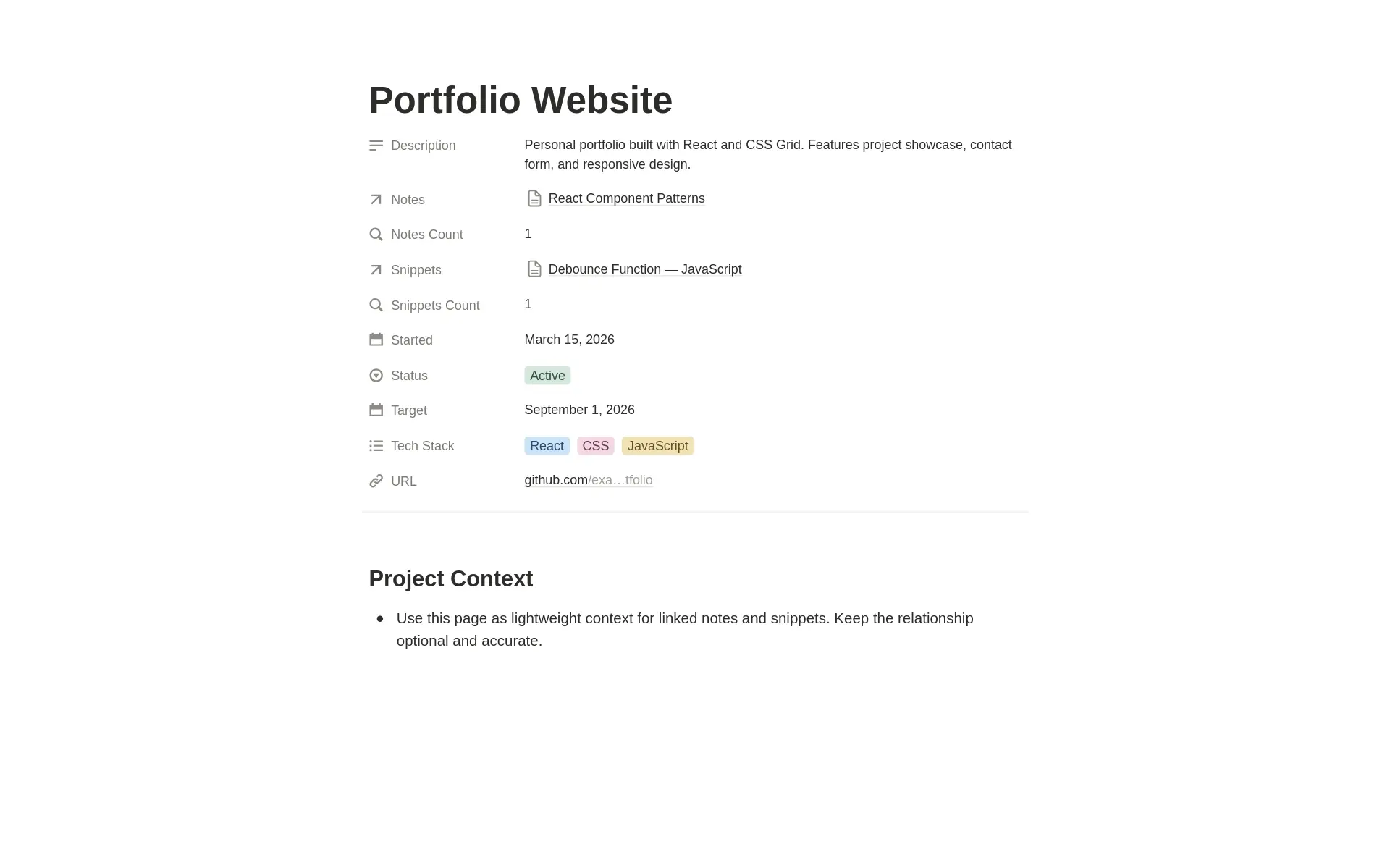
- Projects — Optionally connect notes and snippets to active or archived projects.
Simple by design
Projects are optional.
Save standalone notes and snippets when no project relationship is needed, or connect them to a project when that context makes the information easier to understand and reuse.
Project records automatically show how many notes and snippets are linked to them.
Built-in views
Use prepared views to browse your workspace:
- All Notes
- Notes Gallery
- All Snippets
- Snippet Gallery
- By Language
- Favourites
- All Projects
- Active Projects
- Projects by Status
You can also use Notion search to retrieve notes by title, tags, language, framework, or project.
Best for
- Developers
- Coding students
- Freelance engineers
- Indie hackers
- Technical hobbyists
- Anyone building a personal code and notes library
Easy to start
Duplicate the template and save one note or code snippet you expect to reuse.
Add a related project only when it provides meaningful context. Archive sample records as your own library grows.
Free vs premium
Developer Notes covers the essentials: notes, snippets, projects, useful views, tags, and favourites.
Developer Second Brain adds specialist libraries for terminal commands, Docker recipes, APIs, regex patterns, error solutions, websites and tools, AI prompts, environment context, and version-aware verification.
Important limitations
Developer Notes is an organisation and documentation workspace.
It does not execute code, verify snippets, connect to repositories, run terminal commands, test framework compatibility, or automatically import development activity.
Never store passwords, API keys, access tokens, private credentials, or sensitive production code in Notion.